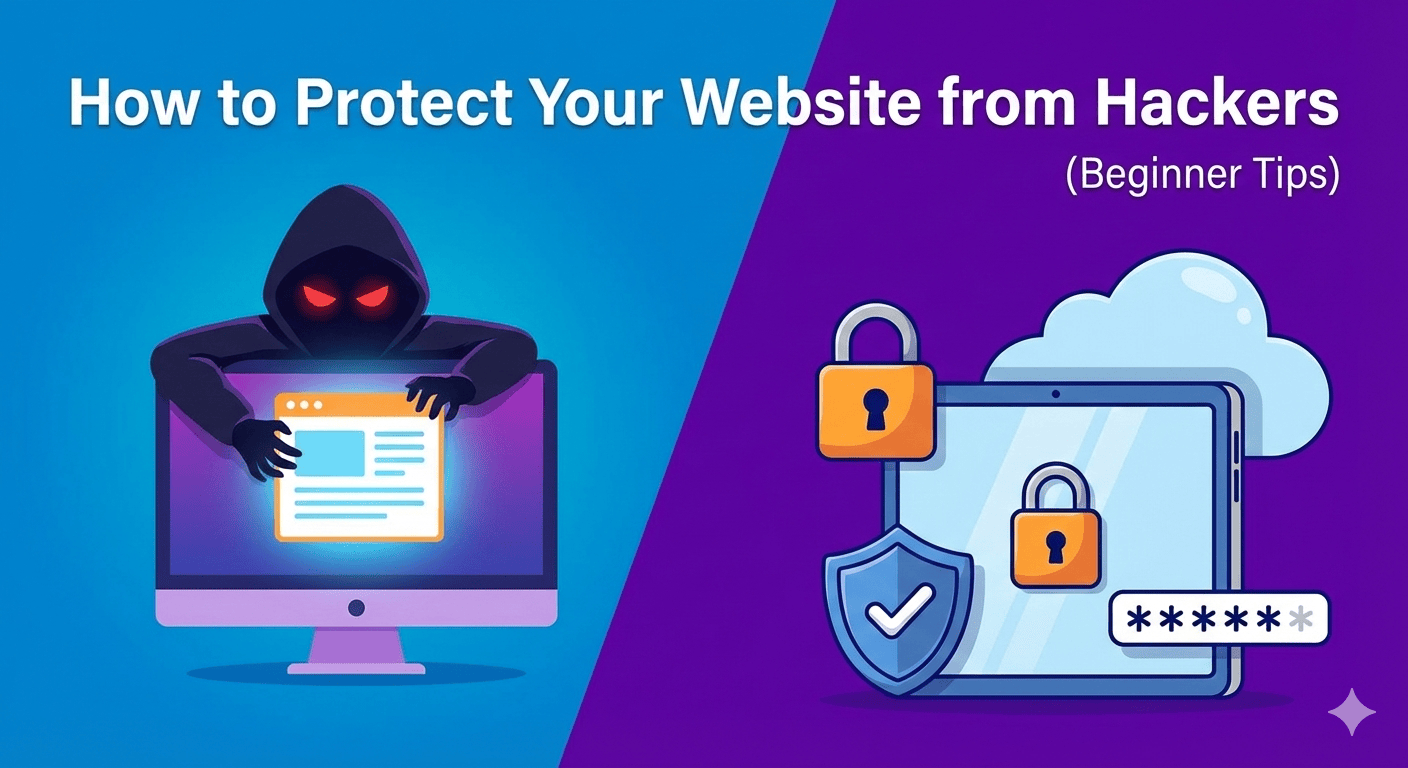
How to Protect Your Website from Hackers (Beginner Tips)
Related Posts
Best Free Chrome Extensions for Productivity

How to Make Your Laptop Battery Last Longer
How to Fix “No Internet, Secured” Error on Windows
How to Clear Cache on Any Browser (Step-by-Step Guide)
Introduction
Protect Your Website from Hackers before it’s too late. Every day, thousands of websites are attacked by bots, malware, and cybercriminals looking for weak security. Even small websites are targeted. If your site gets hacked, you can lose data, traffic, search rankings, and customer trust.
Why You Must Protect Your Website from Hackers
If your website is not protected:
- Your data can be stolen
- Your website can be redirected to spam pages
- Google may blacklist your site
- Your visitors may lose trust
1. Use Strong Passwords
Weak passwords are one of the main reasons websites get hacked. Avoid simple passwords like “123456” or “admin123”.
Use:
- At least 12 characters
- Upper and lowercase letters
- Numbers and symbols
2. Install an SSL Certificate
You can get a free SSL certificate from Let’s Encrypt
3. Keep WordPress, Themes, and Plugins Updated
Make sure you:
- Update WordPress core
- Update plugins
- Remove unused themes
👉If you already use WordPress, you may also like our guide on fixing the WordPress White Screen of Death
👉Too many plugins can also slow down your website. Learn how to manage and optimize them in our guide on speeding up a slow WordPress website
4. Install a Security Plugin
Popular options include:
- Wordfence
- Sucuri
- iThemes Security
5. Limit Login Attempts
6. Use Reliable Hosting
Cheap hosting often lacks proper security features.
Choose a hosting provider that offers:
- Malware scanning
- Daily backups
- Server-level firewall
7. Backup Your Website Regularly
8. Use a Web Application Firewall (WAF)
Services like Cloudflare offer firewall protection and DDoS prevention.
9. Hide Your Admin Login URL
Instead of:
- yourwebsite.com/wp-admin
- Use a custom login URL with the help of a security plugin.
10. Monitor Website Activity
- Unknown user accounts
- Suspicious file changes
- Sudden traffic drops