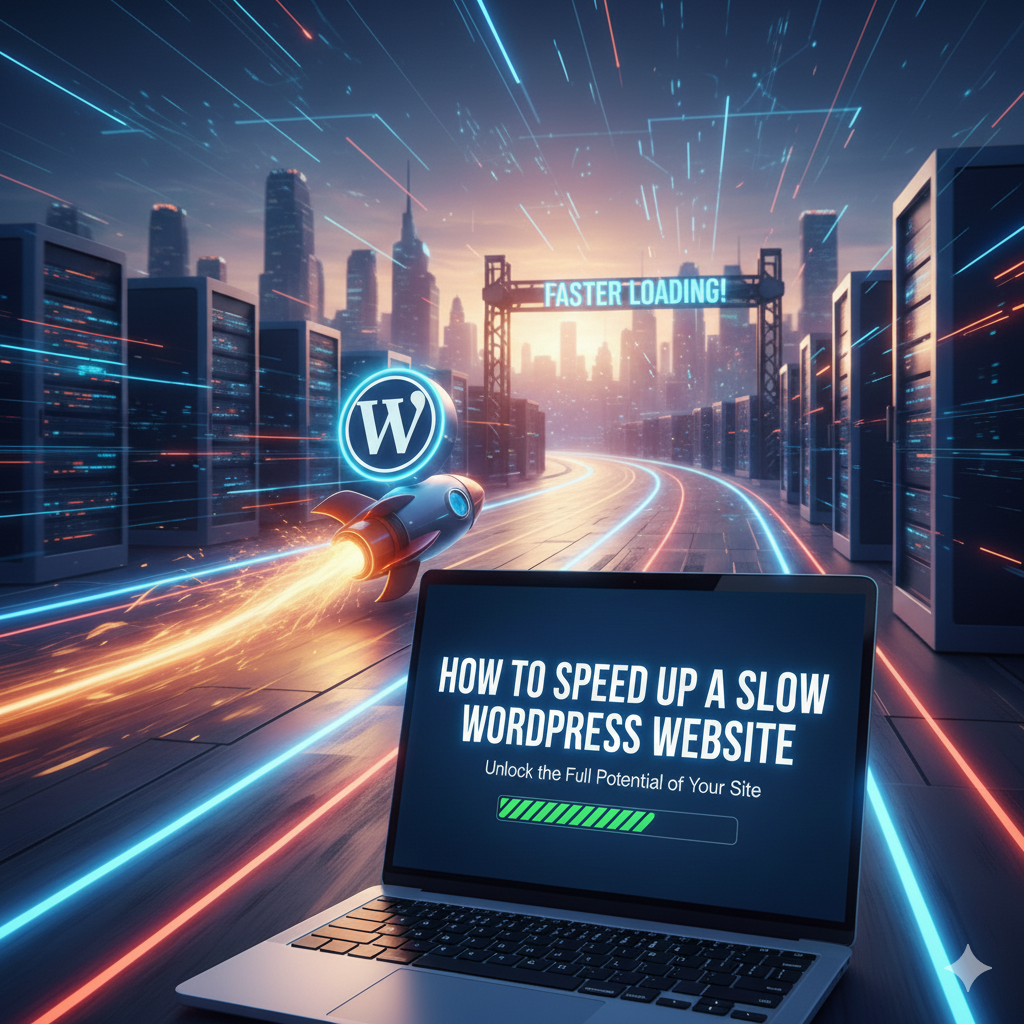
How to Speed Up a Slow WordPress Website
Related Posts

How to get a virtual USA phone number on cheap price.

How to Fix WhatsApp Not Sending Messages

How to Protect Your Phone from Hackers

How to Make Your Laptop Battery Last Longer
Introduction
If you want to speed up a slow WordPress website, you are not alone. Many website owners struggle with slow loading times, which can frustrate visitors and reduce Google rankings. A fast website improves user experience, increases engagement, and helps you rank higher in search engines. The good news is that you don’t need to be a developer to fix speed issues.
Why Is Your WordPress Website Slow?
Some of the most common causes include:
- Heavy or poorly coded themes
- Too many plugins
- Large, uncompressed images
- Cheap or overloaded hosting
- No caching system
- No content delivery network (CDN)
1. Choose a Lightweight WordPress Theme
Your theme plays a huge role in website speed. Some themes look beautiful but are loaded with unnecessary animations and scripts.
2. Install a Caching Plugin
Recommended caching plugins:
- WP Fastest Cache
- W3 Total Cache
- LiteSpeed Cache
After installing a caching plugin, test your website speed again. You will likely see immediate improvement.
You may also find helpful: How to Clear Cache on Any Browser (Step-by-Step Guide)
3. Optimize and Compress Images
You can also use image optimization plugins like:
- Smush
- Optimole
- ShortPixel
These plugins compress images without reducing quality. Smaller image size means faster loading time.
Also, always add descriptive alt text like:
- alt=”speed up a slow WordPress website”
This helps both SEO and accessibility.
You can also read our detailed guide on Best Free Online Tools for Students (No Sign-Up Required)
4. Remove Unused Plugins
Some plugins run scripts in the background, even if they seem inactive. Keeping only necessary plugins improves performance and security.
5. Upgrade Your Web Hosting
6. Use a Content Delivery Network (CDN)
Popular CDN options include Cloudflare and Bunny.net.
7. Minify CSS and JavaScript Files
8. Keep WordPress Updated
Always update:
- WordPress core
- Themes
- Plugins
Updates often include performance improvements and security fixes.
9. Test Your Website Speed
Test your performance using tools like:
- Google PageSpeed Insights
- GTmetrix
These tools show what is slowing down your site and suggest improvements.