
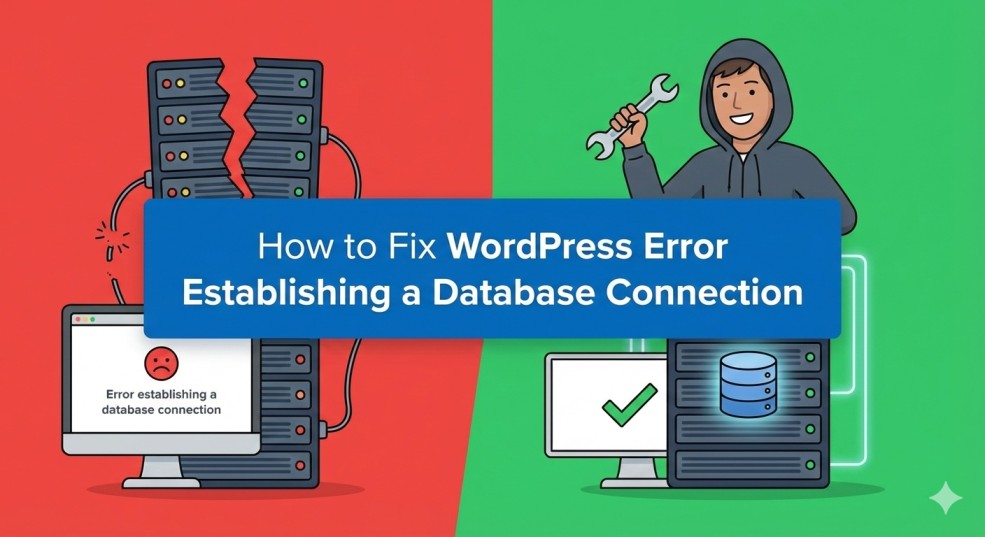
How to Fix WordPress Error Establishing a Database Connection
Related Posts
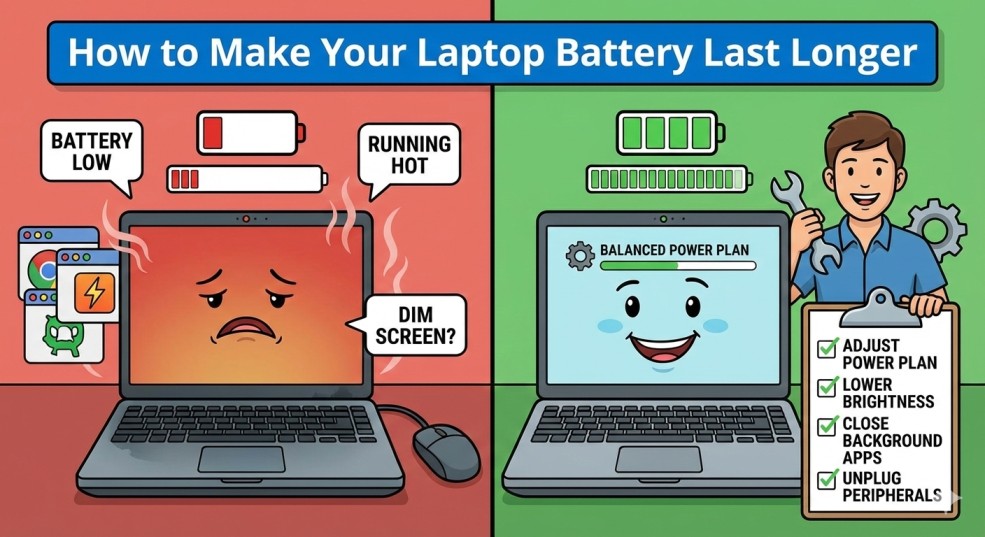
How to Make Your Laptop Battery Last Longer
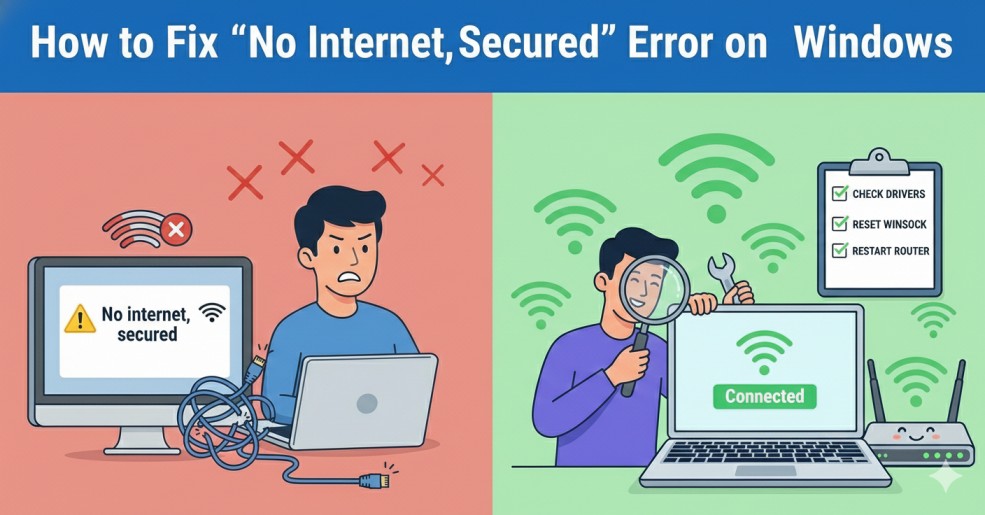
How to Fix “No Internet, Secured” Error on Windows
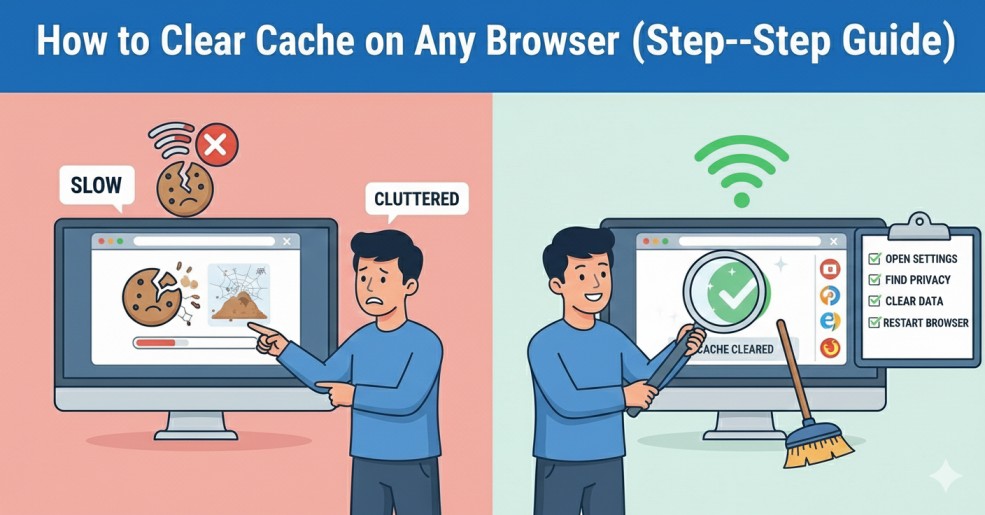
How to Clear Cache on Any Browser (Step-by-Step Guide)
How to Fix Slow Internet Connection at Home (Easy Solutions)
Introduction
How to fix WordPress error establishing a database connection is one of the first problems many WordPress website owners search for after their site suddenly goes offline.
When this error appears, your website stops loading, visitors see a blank page, and frustration sets in quickly. For beginners, this message can look scary and technical, but in reality, it usually has a simple cause.
The WordPress error establishing a database connection means that WordPress is unable to communicate with your website’s database. The good news is that most cases can be fixed in a few minutes, even if you have no technical background.
In this guide, you’ll learn safe, step-by-step methods to fix the WordPress database connection error without damaging your website.
What Is WordPress Error Establishing a Database Connection?
When WordPress fails to make that connection, it shows the message:
- Error establishing a database connection
Common Causes of WordPress Database Connection Error
- Incorrect database name, username, or password
- Corrupted WordPress database
- Damaged WordPress core files
- Database Server downtime
- Hosting server overloaded (very common on shared hosting)
Fix 1: Check wp-config.php File (Most Common Fix)
Steps:
- Log in to your hosting control panel
- Open File Manager
- Locate the wp-config.php file in your root folder
- Check the following values:
- DB_NAME
- DB_USER
- DB_PASSWORD
- DB_HOST
Make sure these values exactly match the database credentials provided by your hosting provider.
💡 Tip: Many beginners accidentally copy extra spaces or incorrect characters — double-check carefully.
Fix 2: Repair the WordPress Database
How to Repair the Database:
- Open wp-config.php
- Add this line at the bottom:
- define(‘WP_ALLOW_REPAIR’, true);
- Visit:
- yourwebsite.com/wp-admin/maint/repair.php
- Click Repair Database
- Once complete, remove the repair line from wp-config.php
This method is safe and often fixes database-related issues quickly.
According to the official WordPress documentation, database connection errors are often caused by incorrect credentials or corrupted database tables. WordPress provides built-in tools to repair databases and troubleshoot server-related issues safely.
Fix 3: Check Your Hosting Server
What to Check:
- Log in to hosting dashboard
- Check server or database status
- Restart database services (if available)
Shared hosting users often face the WordPress database connection error during traffic spikes or server maintenance.
Fix 4: Restore a Recent Backup
Backup Options:
- Hosting-provided backups
- WordPress backup plugins
- Manual database backups
If possible, restore only the database, not the entire site.
Fix 5: Reinstall WordPress Core Files
Steps:
- Download a fresh copy of WordPress
- Extract the files
- Replace:
- wp-admin folder
- wp-include folder
- Do NOT replace the wp-content folder
This process refreshes WordPress core files without affecting your content or settings.
Fix 6: Contact Hosting Support (Highly Recommended)
Tell them:
“I’m facing the WordPress error establishing a database connection.”
Hosting support teams can:
- Check database server logs
- Fix server-side issues
- Restore services quickly
This step often resolves the issue within minutes.
According to the official WordPress documentation, database connection errors are often caused by incorrect credentials or corrupted database tables. WordPress provides built-in tools to repair databases and troubleshoot server-related issues safely.
How to Prevent the WordPress Database Connection Error
Follow these best practices:
- Use reliable hosting
- Keep regular backups
- Avoid nulled themes and plugins
- Update WordPress, themes, and plugins regularly
- Monitor site uptime
These steps significantly reduce the chances of database connection problems.
If you are managing your own website, you may also find these guides helpful:
- How to Speed Up a Slow WordPress Website
- How to Fix WordPress White Screen of Death
- How to Fix Common WordPress Login Problems
Final Thoughts
The WordPress error establishing a database connection may look serious, but in most cases, it’s easy to fix with calm troubleshooting.
If you found this guide helpful, check out our other WordPress troubleshooting tutorials on Udraz.