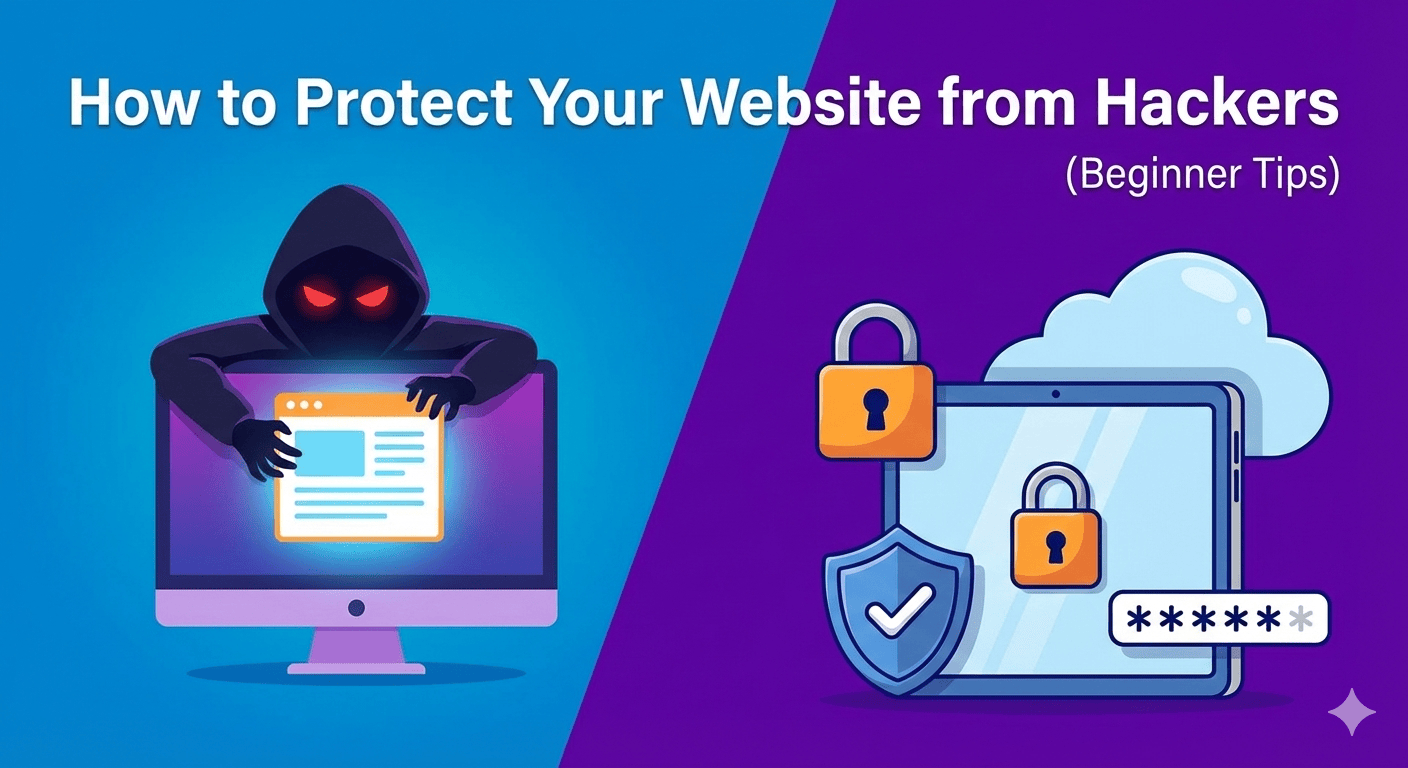
How to Protect Your Website from Hackers (Beginner Tips)
January 3, 2025
0
Related Posts
Best Free Chrome Extensions for Productivity
January 15, 2026
Introduction Best free Chrome extensions for productivity can completely change the way you work online. Whether you’re writing emails, studying, browsing websites, or managing tasks, the right extensions help you...
How to Make Your Laptop Battery Last Longer
January 15, 2026
Introduction How to make your laptop battery last longer is a question many users ask when their device starts losing charge too quickly. Whether you use a laptop for work,...
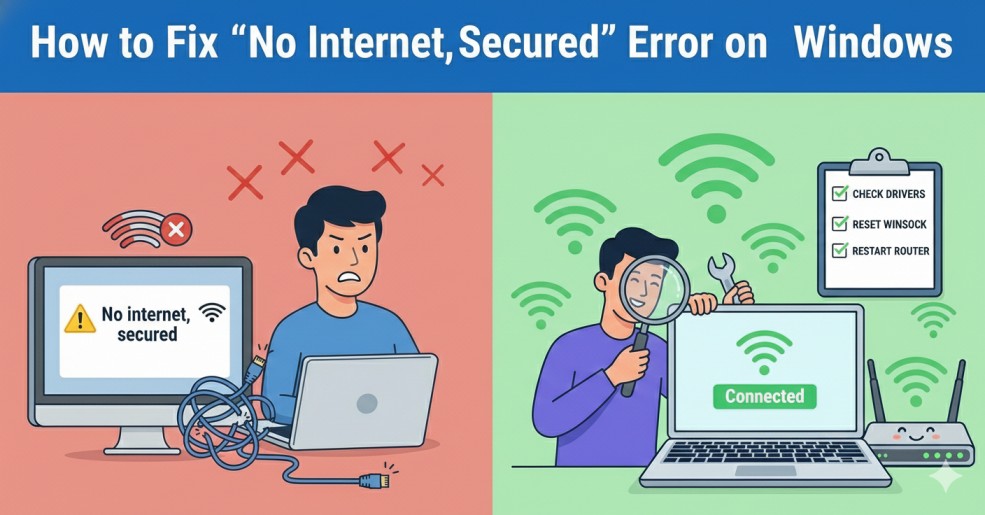
How to Fix “No Internet, Secured” Error on Windows
January 15, 2026
Introduction No Internet, Secured error on Windows appears when your computer connects to a Wi-Fi network successfully, but the internet does not work. You may see a Wi-Fi icon with...
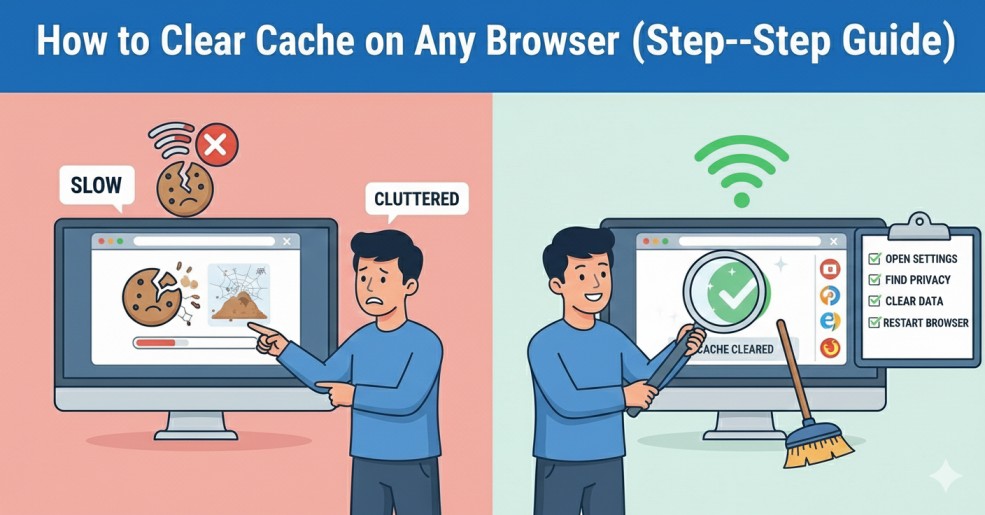
How to Clear Cache on Any Browser (Step-by-Step Guide)
January 13, 2026
Introduction Clear cache on any browser is one of the simplest ways to fix common browsing problems. Browser cache helps websites load faster by storing files locally, but over time...
Introduction
Protect Your Website from Hackers before it’s too late. Every day, thousands of websites are attacked by bots, malware, and cybercriminals looking for weak security. Even small websites are targeted. If your site gets hacked, you can lose data, traffic, search rankings, and customer trust.
The good news is that you don’t need to be a cybersecurity expert to stay safe. With a few smart steps, you can protect your website from hackers and keep your data secure.
Why You Must Protect Your Website from Hackers
Hackers don’t only target big companies. Automated bots scan websites for weaknesses such as outdated plugins, weak passwords, and poor hosting security.
If your website is not protected:
- Your data can be stolen
- Your website can be redirected to spam pages
- Google may blacklist your site
- Your visitors may lose trust
That’s why it is important to take website security seriously from day one.
1. Use Strong Passwords
Weak passwords are one of the main reasons websites get hacked. Avoid simple passwords like “123456” or “admin123”.
Use:
- At least 12 characters
- Upper and lowercase letters
- Numbers and symbols
Also change passwords regularly.
2. Install an SSL Certificate
An SSL certificate encrypts data between your website and users. It protects sensitive information like login details and payment data.
Most hosting providers offer free SSL certificates. After enabling SSL, your website URL will start with HTTPS instead of HTTP.
3. Keep WordPress, Themes, and Plugins Updated
Outdated software creates security gaps. Developers release updates to fix bugs and vulnerabilities.
Make sure you:
- Update WordPress core
- Update plugins
- Remove unused themes
If you already use WordPress, you may also like our guide on fixing the WordPress White Screen of Death
4. Install a Security Plugin
Security plugins help you protect your website from hackers by adding firewalls and malware scanning.
Popular options include:
- Wordfence
- Sucuri
- iThemes Security
These plugins monitor suspicious activity and block malicious login attempts.
5. Limit Login Attempts
Hackers often use brute-force attacks to guess passwords. Limiting login attempts prevents repeated failed login tries.
Many security plugins include this feature automatically.
6. Use Reliable Hosting
Cheap hosting often lacks proper security features.
Choose a hosting provider that offers:
- Malware scanning
- Daily backups
- Server-level firewall
Secure hosting makes it much easier to protect your website from hackers.
7. Backup Your Website Regularly
Even if your website gets hacked, backups allow you to restore everything quickly.
Set up automatic daily or weekly backups. Store backups in cloud storage or external servers.
8. Use a Web Application Firewall (WAF)
A firewall filters malicious traffic before it reaches your website.
Services like Cloudflare offer firewall protection and DDoS prevention.
9. Hide Your Admin Login URL
Changing the default login URL makes it harder for hackers to find your login page.
Instead of:
- yourwebsite.com/wp-admin
- Use a custom login URL.
10. Monitor Website Activity
Regularly check:
- Unknown user accounts
- Suspicious file changes
- Sudden traffic drops
Early detection helps you protect your website from hackers before major damage occurs.
Common Website Security Mistakes to Avoid
Many beginners try to protect their website from hackers but make small mistakes that create security gaps. One common mistake is installing too many plugins. Each plugin adds extra code to your website.
If a plugin is outdated or poorly developed, it can become a security risk. Always install plugins from trusted sources. Delete the ones you don’t use. Ignoring security warnings from your hosting provider is another common error. If your host sends malware alerts or unusual login activity notifications, don’t ignore them. Investigate immediately.
Many website owners forget to log out from public or shared computers. If you access your WordPress dashboard from such devices, always log out properly.
Never download nulled or pirated themes. These files often contain hidden malware. Hackers can access your website without your knowledge.
Staying alert and avoiding these simple mistakes can significantly reduce your chances of being hacked.
Final Thoughts
Learning how to protect your website from hackers is essential for every website owner. Security is not a one-time task. It requires regular updates, monitoring, and smart decisions.
Start with strong passwords and updates. Then move to security plugins and firewall protection. Small improvements today can prevent serious problems tomorrow.