
How to Fix “This Site Can’t Be Reached” Error
Related Posts
Best Free Chrome Extensions for Productivity
How to Make Your Laptop Battery Last Longer
How to Fix “No Internet, Secured” Error on Windows
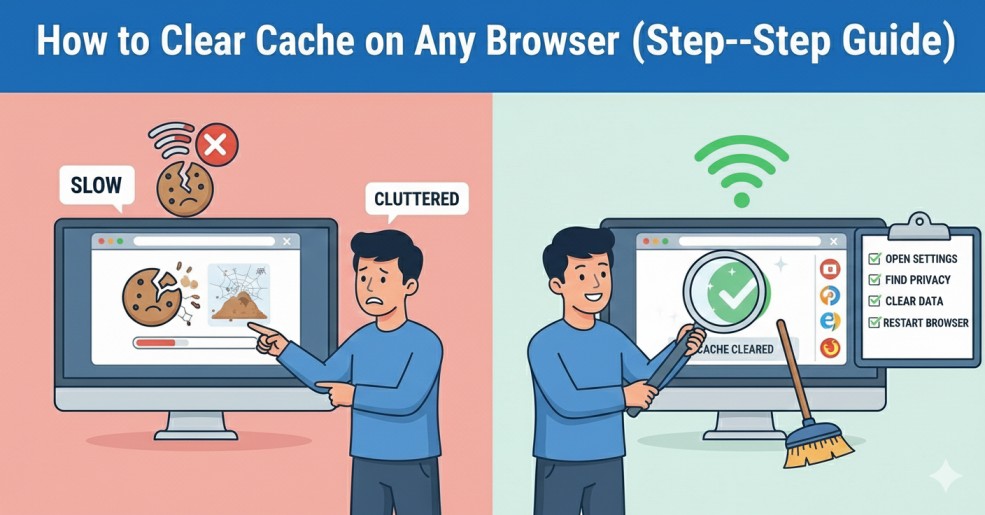
How to Clear Cache on Any Browser (Step-by-Step Guide)
Introduction
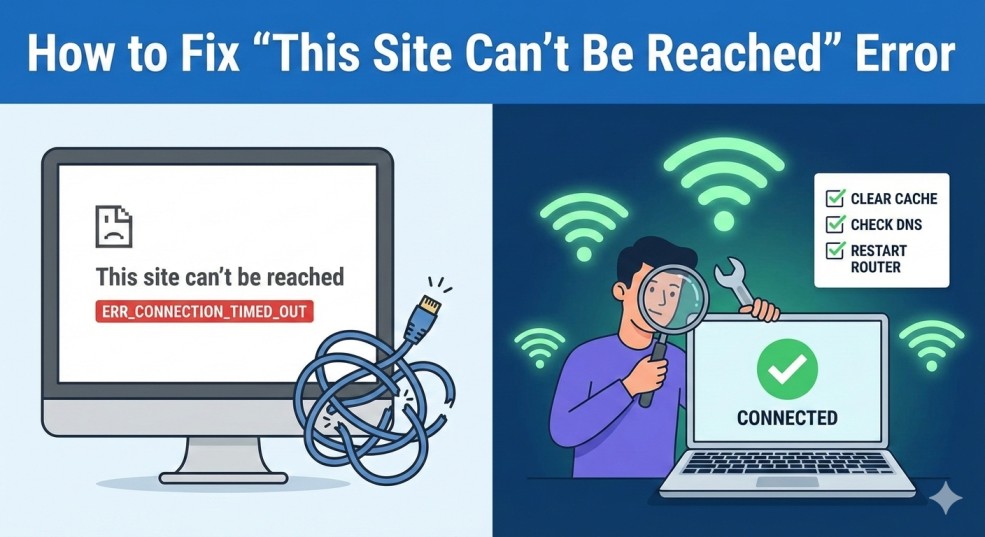
This site can’t be reached error appears when your browser cannot connect to a website server. It usually happens because of internet problems, DNS issues, browser cache errors, or firewall restrictions. The good news is that this issue is common and easy to fix if you follow the correct steps.
What Does This Site Can't Be Reached Error Mean?
Solution 1: Check Your Internet Connection
- Restart your router
- Try opening other websites
- Switch between Wi-Fi and mobile data
- Restart your computer
If other websites are also not loading, the issue is likely your connection.
👉If your internet feels slow, you can also read our guide on how to fix slow internet connection at home.
Solution 2: Clear Browser Cache
Old or corrupted cache files often cause this site can’t be reached error.
Steps:
- Open browser settings
- Click on Privacy or History
- Select Clear Browsing Data
- Restart your browser
👉If you need detailed steps, check our guide on how to clear cache on any browser.
Solution 3: Flush DNS Cache
On Windows:
- Open Command Prompt
- Type:
- ipconfig /flushdns
- Press Enter
Solution 4: Change DNS Server
You can switch to Google DNS:
- 8.8.8.8
- 8.8.4.4
👉Google provides reliable public DNS services. You can read more about it on the Google Public DNS page.
Solution 5: Disable VPN or Firewall
Solution 6: Check If Website Is Down
You can check website status using:
Solution 7: Reset Browser Settings
Common Causes of This Site Can't Be Reached Error
This site can’t be reached error may happen because of:
- Weak or unstable internet
- DNS misconfiguration
- Corrupted cache files
- Firewall blocking access
- Expired IP address