
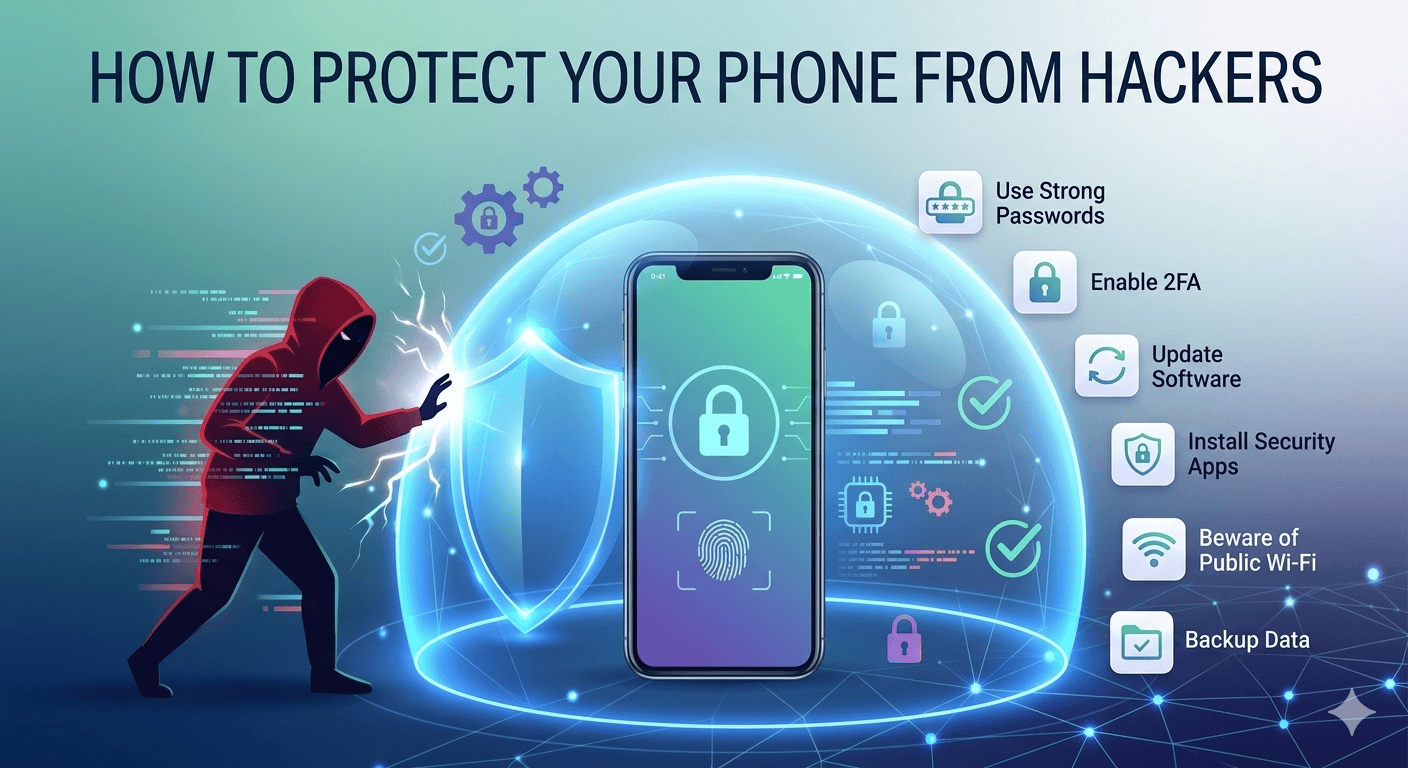
How to Protect Your Phone from Hackers
Related Posts

Best Free Chrome Extensions for Productivity

How to Make Your Laptop Battery Last Longer
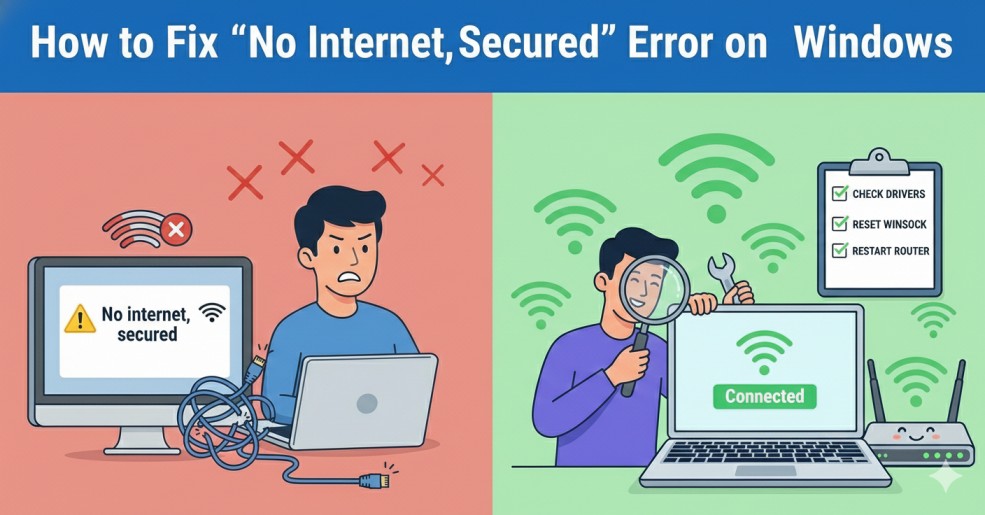
How to Fix “No Internet, Secured” Error on Windows
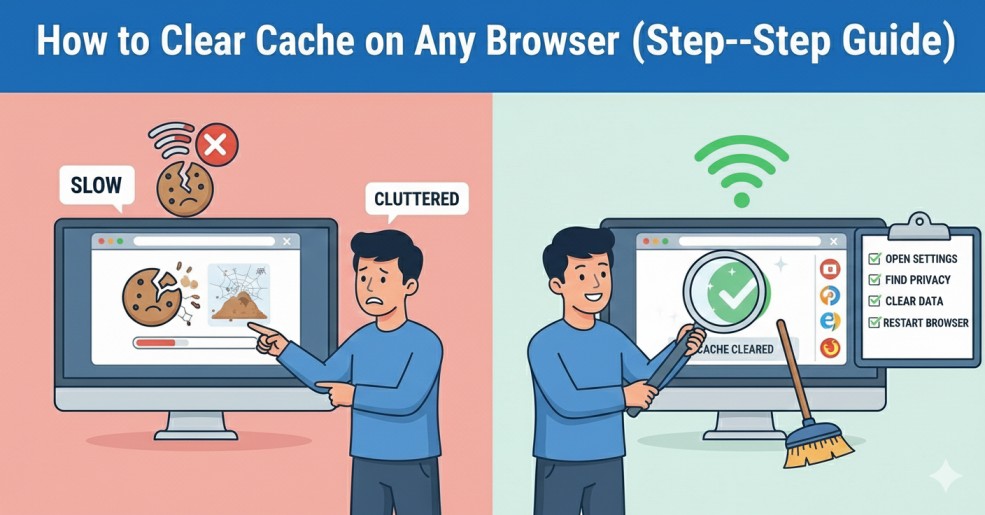
How to Clear Cache on Any Browser (Step-by-Step Guide)
Introduction
Learning how to protect your phone from hackers is very important in today’s digital world.
Smartphones store personal data, passwords, and financial information. If your phone gets hacked, you may lose sensitive data and privacy.
The good news is that you can protect your phone from hackers by following simple and practical steps.
Why You Should Protect Your Phone from Hackers
Hackers often target smartphones because they contain valuable information.
They use malware, fake apps, and phishing attacks to access your data.
If your phone is not secure:
- Your data can be stolen
- Your accounts can be hacked
- Your device can be controlled remotely
That’s why it is important to protect your phone from hackers.
1. Use Strong Passwords
Always use strong passwords with:
- Letters
- Numbers
- Symbols
2. Enable Two-Factor Authentication
This is one of the best ways to protect your phone from hackers.
3. Install Apps from Trusted Sources
Only install apps from official stores like:
- Google Play Store
- Apple App Store
Fake apps may contain malware that can harm your phone.
4. Keep Your Phone Updated
Software updates fix security bugs and vulnerabilities.
Always update your phone’s operating system and apps.
This helps you protect your phone from hackers effectively.
Android users can learn more about mobile protection from official support pages.
5. Avoid Public Wi-Fi for Sensitive Tasks
Hackers can intercept your data on open networks.
Avoid using public Wi-Fi for:
- Online banking
- Logging into accounts
You may also find it helpful to read How to Fix Slow Internet Connection at Home
6. Install Antivirus or Security Apps
You can also follow official security guidelines provided by Google to protect your device.
7. Be Careful with Links and Messages
8. Lock Your Phone
Use:
- PIN
- Pattern
- Fingerprint
- Face unlock
This prevents unauthorized access to your device.
9. Backup Your Data Regularly
Common Mistakes to Avoid
Also, avoid using public devices without logging out.
You can also explore Best Free AI Tools for Students in 2026
Extra Tips to Protect Your Phone from Hackers
- Always enable automatic updates so your phone stays protected with the latest security patches.
- Avoid connecting your phone to unknown USB devices or computers, as they can transfer harmful files.
- You should also review app permissions regularly. If an app is asking for unnecessary access, remove it immediately.