
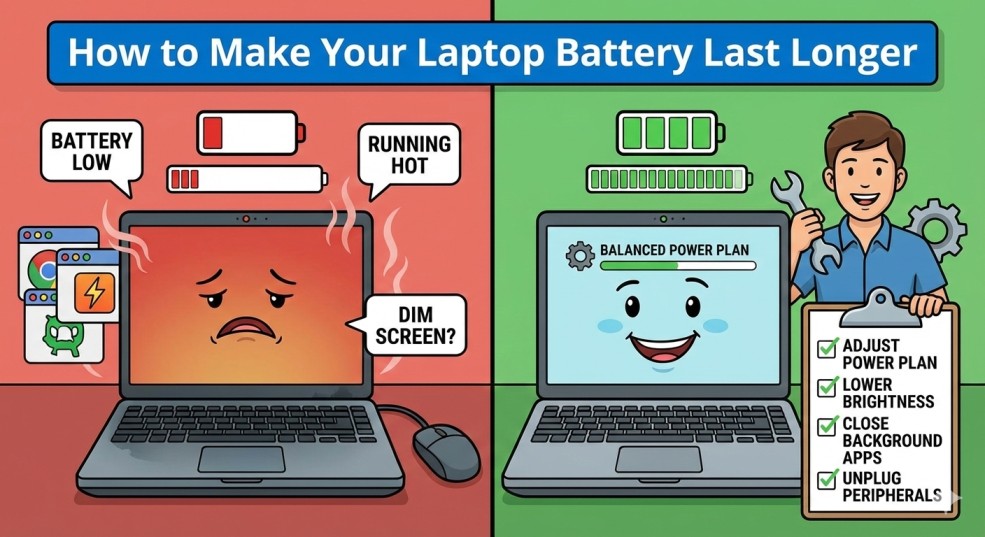
How to Make Your Laptop Battery Last Longer
Related Posts
How to Fix “No Internet, Secured” Error on Windows
How to Clear Cache on Any Browser (Step-by-Step Guide)
How to Fix Slow Internet Connection at Home (Easy Solutions)
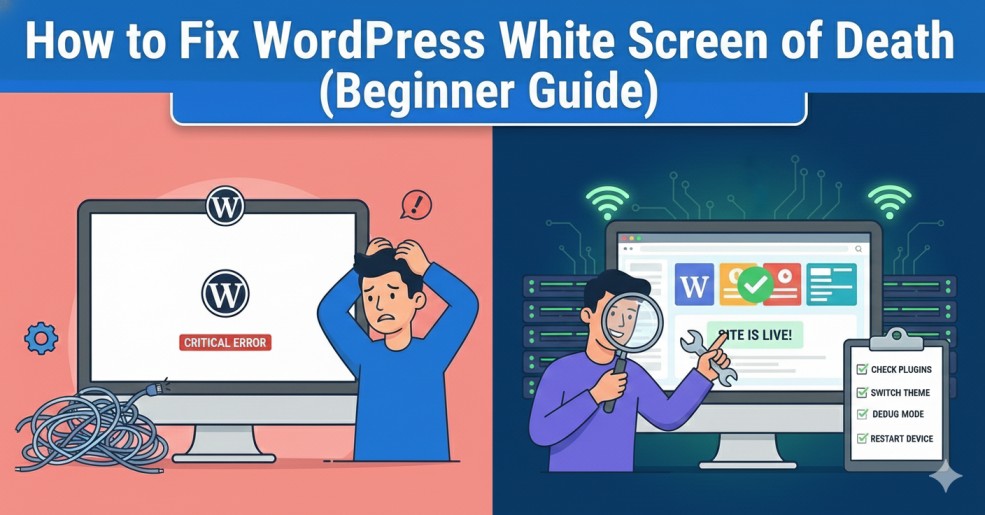
How to Fix WordPress White Screen of Death (Beginner Guide)
Introduction
How to make your laptop battery last longer is a question many users ask when their device starts losing charge too quickly. Whether you use a laptop for work, study, or entertainment, poor battery life can be frustrating and disruptive.
The good news is that you don’t need to replace your battery or buy a new laptop. By making a few simple adjustments, you can significantly extend battery life and keep your laptop running longer on a single charge.
In this guide, you’ll learn practical and safe methods to improve laptop battery performance without technical knowledge.
Why Laptop Batteries Drain Quickly
Before learning how to make your laptop battery last longer, it helps to understand what causes fast battery drain. Common reasons include:
High screen brightness
Background applications running constantly
Outdated operating systems
Wireless features left on unnecessarily
Excessive startup programs
How to Make Your Laptop Battery Last Longer
Reduce Screen Brightness
Close Unused Applications
Turn Off Bluetooth and Wi-Fi When Not Needed
Enable Battery Saver Mode
Both Windows and macOS include built-in battery saver features. Battery saver mode:
Limits background activity
Reduces screen brightness
Optimizes system performance
Update Your Operating System
👉 Official guide links:
Prevent Battery Drain in Daily Use
To consistently apply how to make your laptop battery last longer, follow these habits:
- Avoid overheating
- Keep system software updated
- Remove unnecessary startup apps
- Use original chargers only
Manage Startup Programs
- Too many startup programs cause unnecessary battery usage.
- Disable apps that don’t need to launch automatically when your laptop starts.
Avoid Overheating
Heat damages battery health over time. To prevent overheating:
Use your laptop on a flat surface
Keep air vents clean
- Avoid blocking airflow
Helpful Tip for Chrome Users
Common Battery Habits That Reduce Battery Life
Many users unknowingly reduce battery life through daily habits. Keeping your laptop plugged in all the time, exposing it to heat, or using unofficial chargers can damage long-term battery health.
Final Thoughts
Learning how to make your laptop battery last longer does not require advanced technical skills. Small changes like reducing brightness, managing apps, and enabling battery saver mode can significantly improve battery performance.