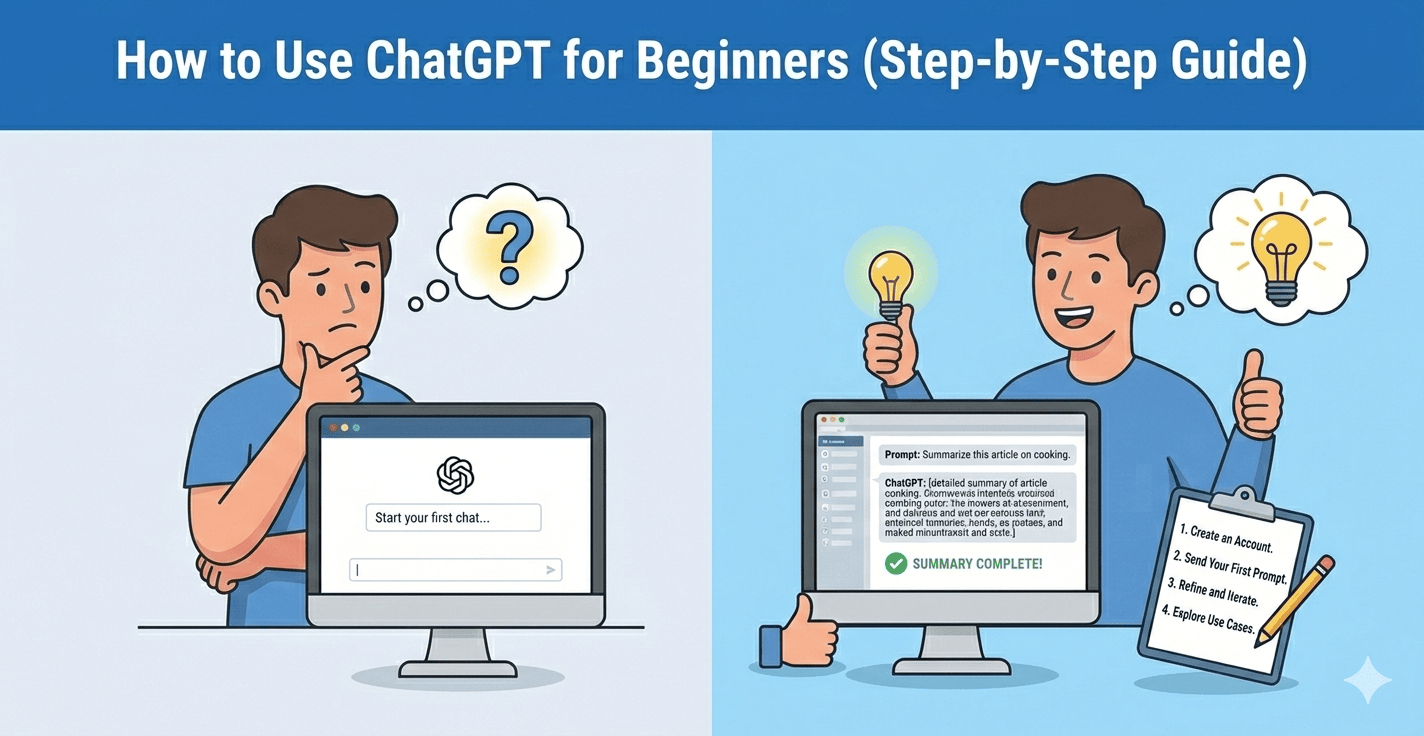
How to Use ChatGPT for Beginners (Step-by-Step Guide)
Related Posts
Best Free Chrome Extensions for Productivity

How to Make Your Laptop Battery Last Longer

How to Fix “No Internet, Secured” Error on Windows
How to Clear Cache on Any Browser (Step-by-Step Guide)
Introduction
What Is ChatGPT?
ChatGPT is an AI-powered tool developed by OpenAI that can generate text-based responses. You can ask it questions, request content ideas, draft emails, write code, summarize text, and much more.
Step 1: Create an Account
To start using ChatGPT:
- Visit the official website OpenAi
- Sign up using your email or Google account
- Log in to access the dashboard
Step 2: Understand How Prompts Work
For example:
❌ Bad Prompt:
- “Write something about marketing.”
✅ Better Prompt:
- “Write a 300-word beginner-friendly introduction to digital marketing for small business owners.”
Step 3: Use ChatGPT for Writing Tasks
Many beginners start using ChatGPT for:
- Blog post ideas
- Social media captions
- Email drafts
- Product descriptions
- Resume improvements
For example, you can say:
- “Help me write a professional email asking for a meeting.”
- ChatGPT will generate a clean draft you can edit.
Step 4: Ask It to Explain Things Simply
Try prompts like:
- “Explain SEO in simple words.”
- “Explain cryptocurrency like I’m 12 years old.”
- “Summarize this article in 5 bullet points.”
It’s like having a personal tutor available 24/7.
Step 5: Edit and Improve Your Content
You can paste your own writing and ask:
- “Make this more professional.”
- “Fix grammar and improve clarity.”
- “Rewrite this in a friendly tone.”
Step 6: Use ChatGPT for Brainstorming
If you feel stuck, try:
- “Give me 20 blog ideas about fitness.”
- “Suggest YouTube channel name ideas.”
- “Give me Instagram bio ideas for a travel page.”
Step 7: Use ChatGPT to Summarize Information
If you have a long article, paste it and ask:
- “Summarize this in 5 key bullet points.”
- This is extremely useful for students and researchers.
Step 8: Translate Content into Different Languages
You can type:
“Translate this paragraph into Spanish.”
Or:
“Rewrite this in simple English.”
Step 9: Generate Ideas Before Starting a Project
Before launching a blog, YouTube channel, or business, ask:
- “Suggest profitable blog niches for 2026.”
- “Give me 20 YouTube video ideas about fitness.”
Step 10: Refine and Improve Your Prompts
Ask:
- “Make it shorter.”
- “Add more examples.”
- “Make it more persuasive.”
- “Rewrite in a friendly tone.”
Common Mistakes Beginners Make
When learning how to use ChatGPT for beginners, avoid these mistakes:
- Giving vague prompts
- Copy-pasting content without editing
- Expecting perfect results instantly
- Not fact-checking important information
Is ChatGPT Free?
ChatGPT offers both free and paid plans. The free version is enough for most beginners. However, the paid version offers faster responses and access to more advanced models.
You can compare plans on the official OpenAI website.