Slow internet can disrupt work, study, and entertainment. Before calling your internet provider, try these simple and effective solutions to fix slow internet at home.
Common Causes of Slow Internet
Weak Wi-Fi signal
Too many connected devices
Router issues
Background downloads
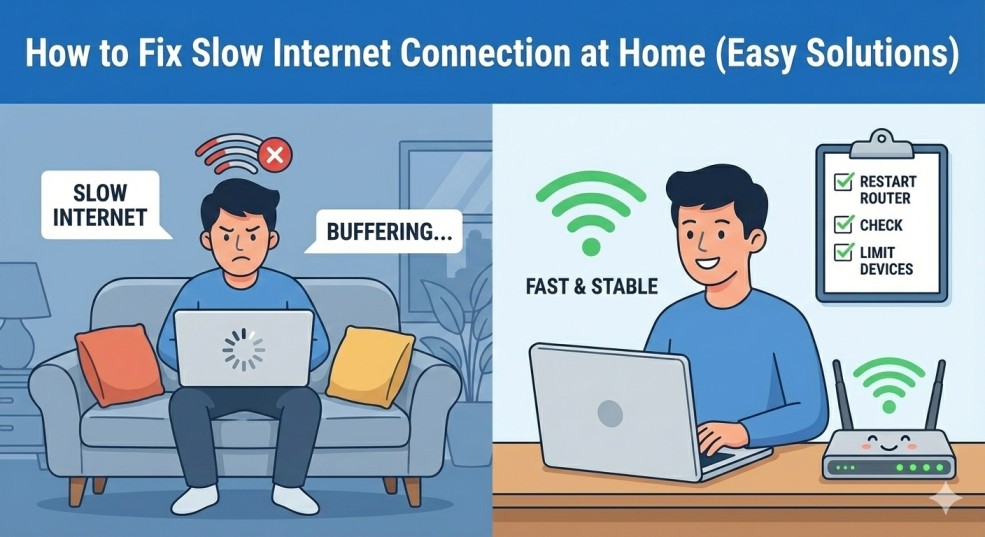
Solution 1: Restart Your Router
Turn off your router for 30 seconds and restart it. This refreshes the connection.
Solution 2: Move Closer to the Router
Walls and distance reduce signal strength. Place the router in a central location.
Solution 3: Limit Connected Devices
Disconnect unused devices to improve speed.
Solution 4: Update Router Firmware
Check your router settings for firmware updates.
Final Thoughts
Most internet speed issues can be fixed easily at home without technical help.






Leave a Comment