
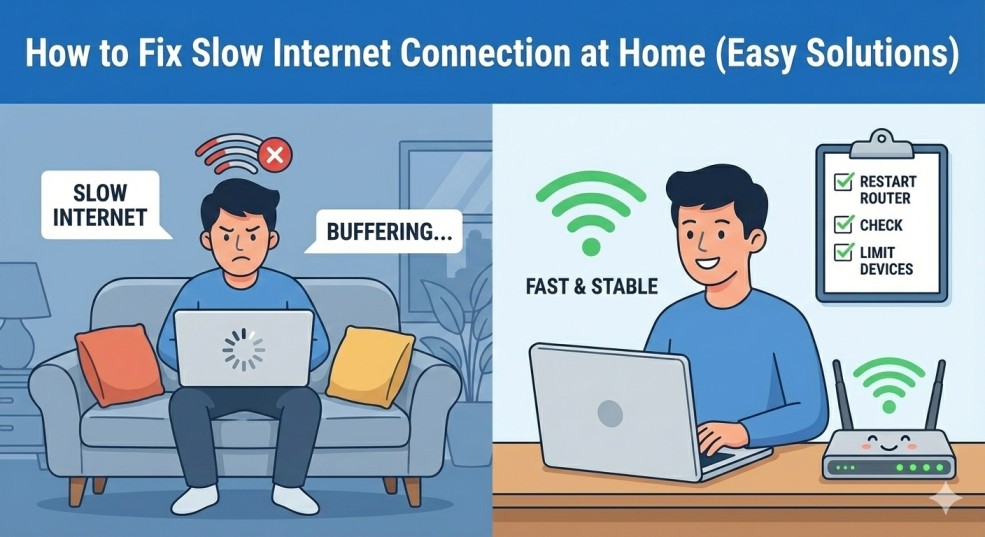
How to Fix Slow Internet Connection at Home (Easy Solutions)
Related Posts
Best Free Chrome Extensions for Productivity
How to Make Your Laptop Battery Last Longer
How to Fix “No Internet, Secured” Error on Windows
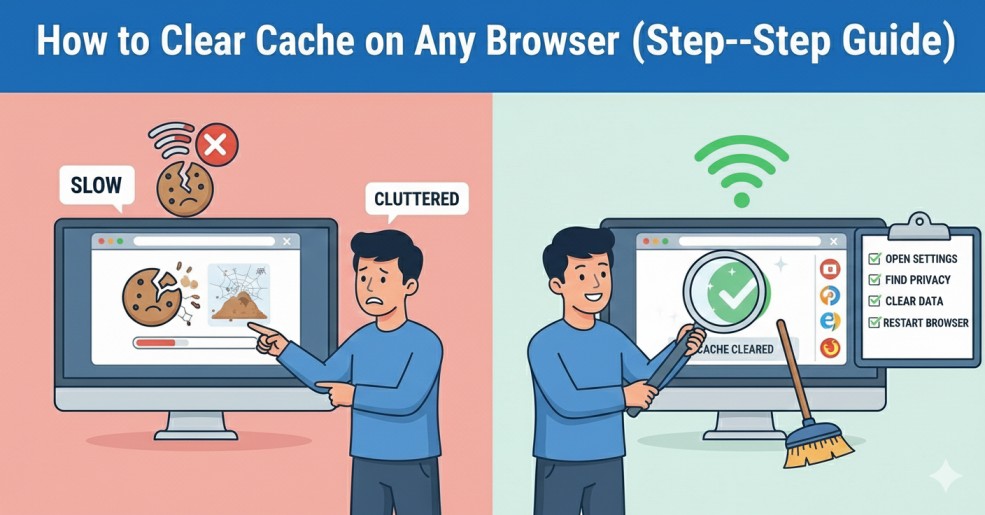
How to Clear Cache on Any Browser (Step-by-Step Guide)
Introduction
Fix slow internet connection at home is a common concern for many people who rely on the internet for work, study, and entertainment. Slow internet can cause frustration, interruptions, and reduced productivity. Before contacting your internet service provider, there are s
In this guide, you will learn how to fix slow internet connection at home using simple, practical, and proven solutions that anyone can apply.
Common Causes of Slow Internet Connection at Home
Understanding the cause of slow internet is the first step toward fixing it. Some of the most common reasons include:
- Weak Wi-Fi signal due to poor router placement
- Too many devices connected at the same time
- Outdated router firmware
- Background downloads or updates
- Old or damaged network cables
- Interference from walls, furniture, or nearby networks
Solution 1: Restart Your Router and Modem
One of the simplest ways to fix slow internet connection at home is restarting your router.
👉 Official guide links:
Solution 2: Place Your Router in the Right Location
To improve performance:
- Place the router in a central location
- Keep it elevated, such as on a shelf
- Avoid placing it near thick walls, metal objects, or electronic devices
Solution 3: Limit the Number of Connected Devices
Solution 4: Check for Background Downloads and Updates
Check:
- Windows or macOS updates
- Mobile app updates
- Cloud backups (Google Drive, OneDrive, iCloud)
Solution 5: Update Router Firmware
Updating firmware:
- Improves performance
- Fixes bugs
- Enhances security
👉 Official guide links:
Solution 6: Use Ethernet Cable for Important Tasks
A wired connection provides:
- Faster speed
- Lower latency
- More stable connection
Solution 7: Check Your Internet Plan
👉 Official guide links:
Final Thoughts
A slow internet connection does not always mean you need technical support. In most cases, you can fix slow internet connection at home by restarting your router, improving Wi-Fi placement, limiting connected devices, and keeping your equipment updated.