
How to Fix a Slow Android Phone Without Factory Reset

Related Posts

How to Make Your Laptop Battery Last Longer

How to Fix “No Internet, Secured” Error on Windows

How to Clear Cache on Any Browser (Step-by-Step Guide)
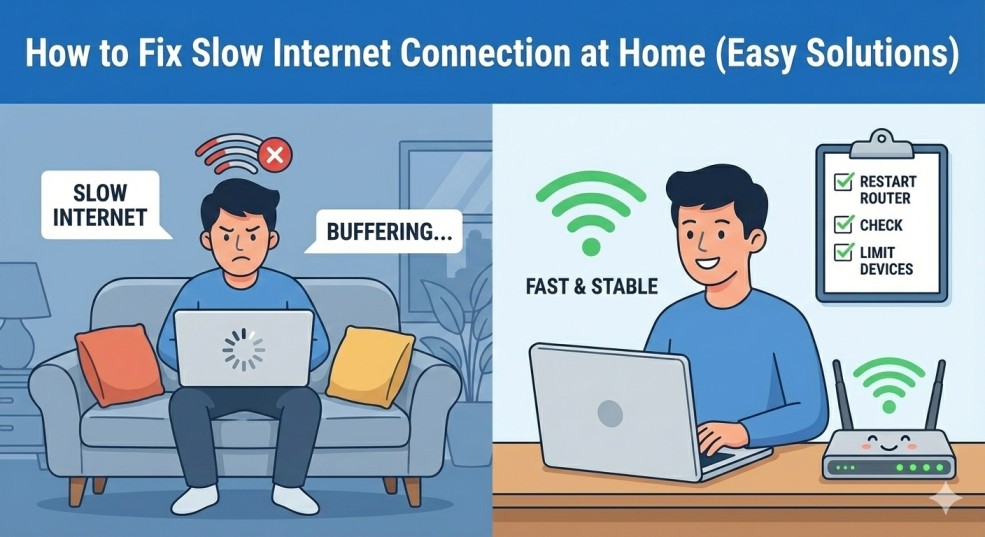
How to Fix Slow Internet Connection at Home (Easy Solutions)
Introduction
Slow Android phone without factory reset is a problem almost every Android user faces sooner or later. Apps take longer to open, scrolling feels laggy, and even simple tasks become frustrating.
In this guide, you’ll learn safe, practical, and proven ways to fix a slow Android phone without factory reset, using settings already available on your device. These methods work for beginners and won’t delete your personal data.
Why Your Android Phone Becomes Slow Over Time
Common reasons include:
- Too many installed apps running in the background
- Storage space almost full
- Cached data piling up
- System animations using extra resources
- Outdated Android software
1. Restart Your Android Phone Regularly
Restarting is the simplest way to fix a slow Android phone without factory reset.
A restart:
- Clears temporary system files
- Stops unnecessary background processes
- Refreshes system memory
Try restarting your phone once every few days for smoother performance.
2. Clear App Cache to Free Up Resources
Steps:
- Go to Settings → Apps
- Select an app
- Tap Storage
- Tap Clear Cache
- ⚠️ Do not tap “Clear Data” unless you know what it does.
Clearing cache is one of the safest ways to speed up a slow Android phone without factory reset.
3. Remove Unused Apps You No Longer Need
Unused apps silently consume:
- RAM
- Storage
- Background processing power
- Go through your apps and uninstall anything you haven’t used in months. This single step can noticeably improve speed.
👉 If you also use a browser heavily, check our guide on clearing cache on any browser
4. Reduce or Disable System Animations
How to disable animations:
- Go to Settings → About Phone
- Tap Build Number 7 times to enable Developer Options
- Go to Developer Options
- Set:
- Window animation scale → 0.5x or Off
- Transition animation scale → 0.5x or Off
- Animator duration scale → 0.5x or Off
4. Reduce or Disable System Animations
How to disable animations:
- Go to Settings → About Phone
- Tap Build Number 7 times to enable Developer Options
- Go to Developer Options
- Set:
- Window animation scale → 0.5x or Off
- Transition animation scale → 0.5x or Off
- Animator duration scale → 0.5x or Off
5. Free Up Storage Space
Android phones slow down when storage is nearly full.
What you can do:
- Delete old photos and videos
- Remove unused downloads
- Clear WhatsApp media folders
Google recommends keeping at least 20% free storage for optimal performance
6. Update Your Android System and Apps
- Go to Settings → Software Update
- Update Android if available
- Update apps from the Play Store
Updates often include performance improvements and bug fixes.
7. Use Lite Versions of Heavy Apps
Try alternatives like:
- Facebook Lite
- Messenger Lite
- Google Go
How to Prevent a Slow Android Phone in the Future
Once you fix a slow Android phone without factory reset, follow these habits:
- Restart your phone weekly
- Avoid installing unnecessary apps
- Keep storage space free
- Update software regularly
- Avoid task-killer apps
Final Thoughts
A slow Android phone without factory reset doesn’t mean your device is useless. In most cases, simple settings changes and cleanup are enough to restore smooth performance.